IPTV (Internet Protocol Television) delivers live TV channels and on-demand movies over your internet connection instead of an aerial, satellite dish or cable. You watch it in a player app on a Smart TV, streaming stick, phone or computer.
How does IPTV work?
A provider’s servers turn channels into data streams. When you pick a channel, your player app requests that stream and plays it a few seconds later. Because it is just data, the same subscription works on any device with a player — see the IPTV glossary entry.
What do I need to watch IPTV?
- Internet: about 10 Mbps per HD stream, 25 Mbps for 4K.
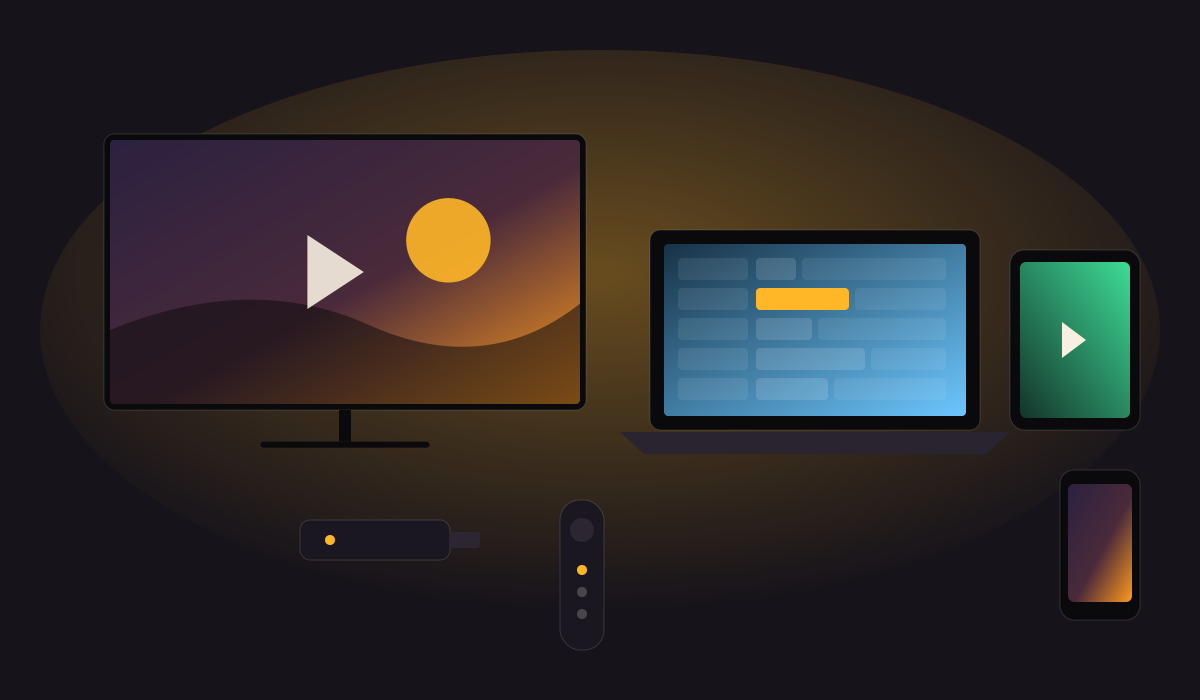
- A device: Fire TV, Android/Google TV, Apple TV, a Samsung or LG Smart TV, a phone or a computer.
- A player app: such as IPTV Smarters Pro or TiviMate.
- A subscription: the login that unlocks the channels.
IPTV vs cable vs satellite: what is the difference?
| IPTV | Cable | Satellite | |
|---|---|---|---|
| Delivered by | Your internet | Coaxial network | Dish on the roof |
| Equipment | Devices you own | Rented box | Dish + receiver |
| Contract | Prepaid term | Often 12–24 months | Often 12–24 months |
| Screens | Phone, tablet, TV, PC | Mostly the TV | Mostly the TV |
What should I check before buying an IPTV subscription?
- A free trial on your own device, at your usual viewing time.
- Clear prices and no automatic renewal.
- A written refund policy.
- Support that answers fast, ideally on WhatsApp.
- Honesty about rights — read Is IPTV legal?
Our buyer’s checklist goes deeper: how to choose the best IPTV service.